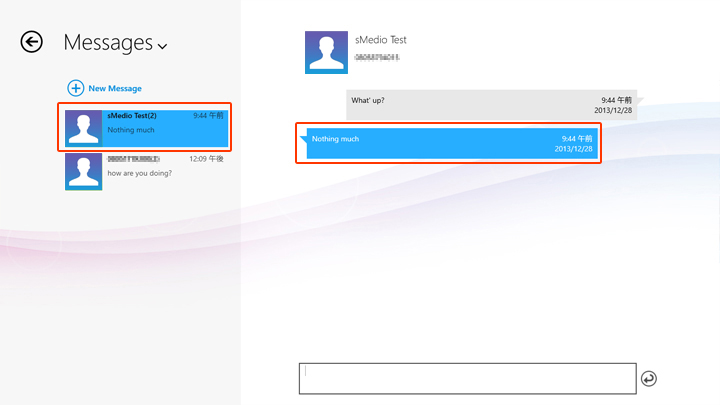
When you receive an incoming message while PC application is running in foreground, the incoming message dialog will be displayed.
If PC application is running in background, incoming message toast message will be displayed.
By click/tap the toast message, the incoming message dialog will be displayed.
Below image shows incoming message notification when PC application is running in foreground.
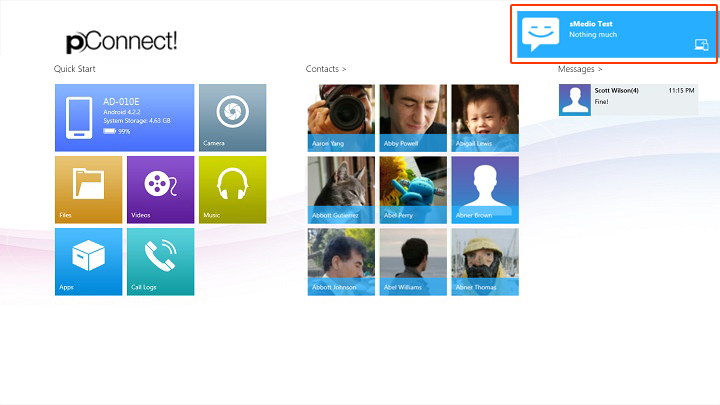
By click/tap toast message, you can reply to the message from PC.