
To remove pairing, please follow below steps:
- Remove pairing from PC
1. Click/tap "New Pairing"
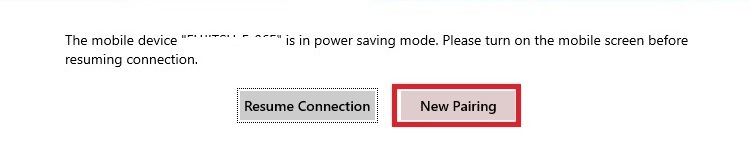
2. Confirmation message will be displayed. After click/tap "OK", the paring between PC and mobile will be removed

- Remove pairing from Mobile
Click/tap "Remove Pairing"
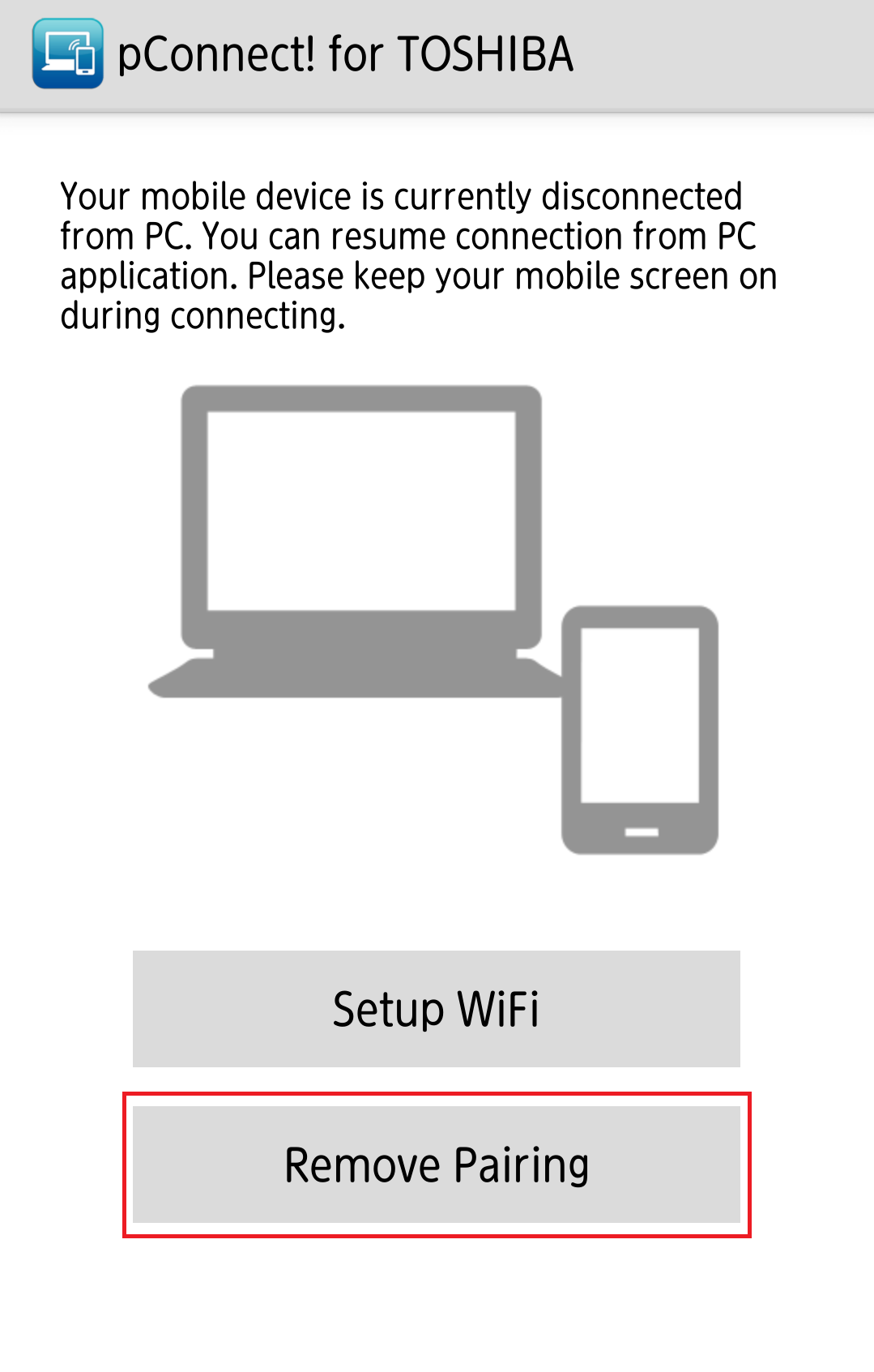
Confirmation message will be displayed. After click/tap "Yes", the paring between PC and mobile will be removed
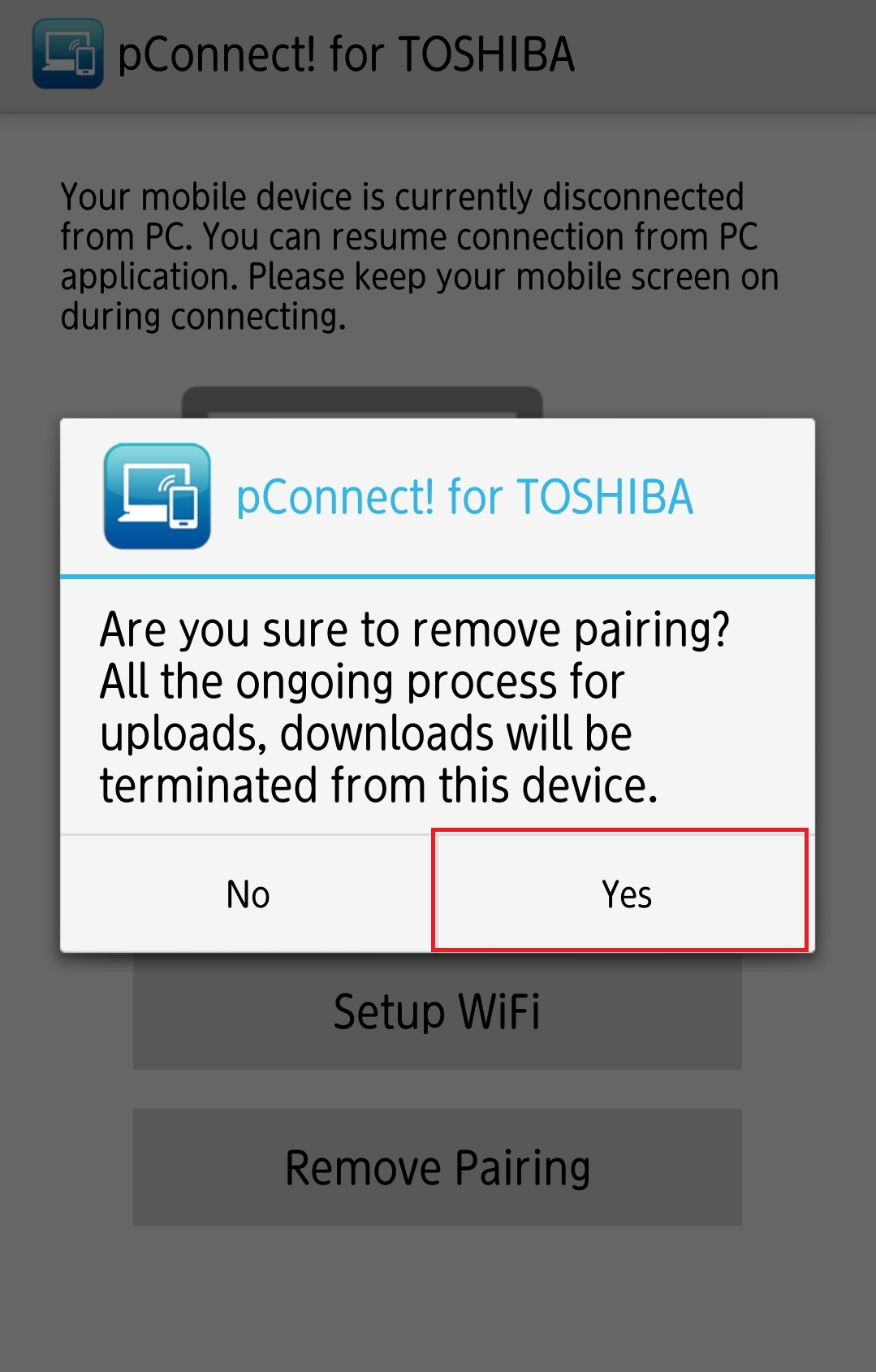
After disconnect, you can resume the connection from PC App without scanning QR code again.
- Resume connection from PC
Click/tap "Resume Connection"
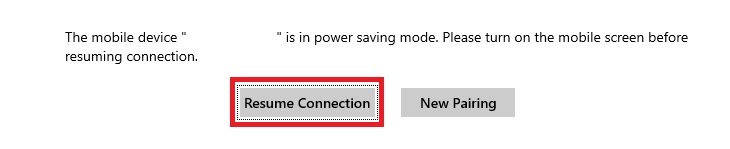
You can disconnect the connection in [Settings].
