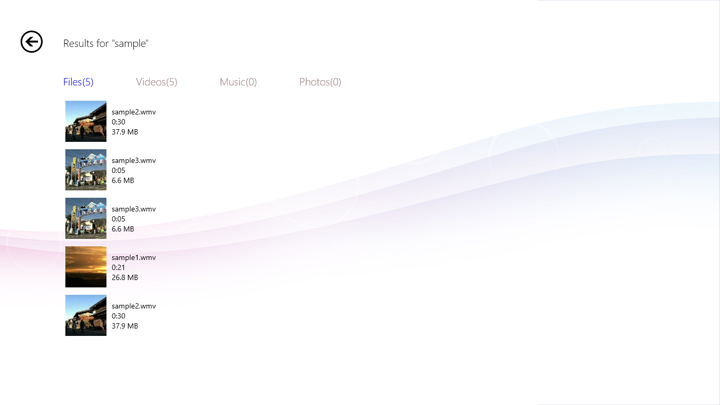
To start media search function, please follow the steps below.
Note: Media contents search only. Application, Contacts and Messages cannot be searched.
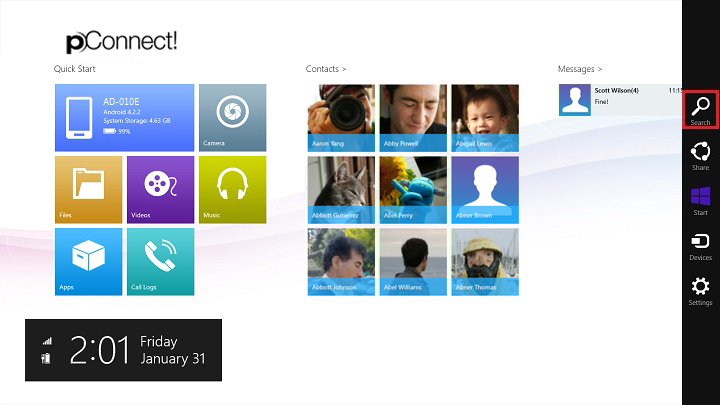
1. Swipe to the left from the right edge of the screen, or place the mouse pointer in the lower or upper right corner of the screen and click/tap "Search" on charm.
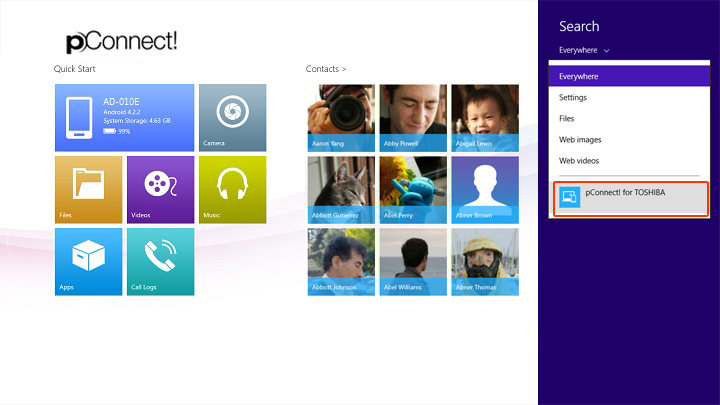
2. Select “pConnect! for TOSHIBA” as a target search
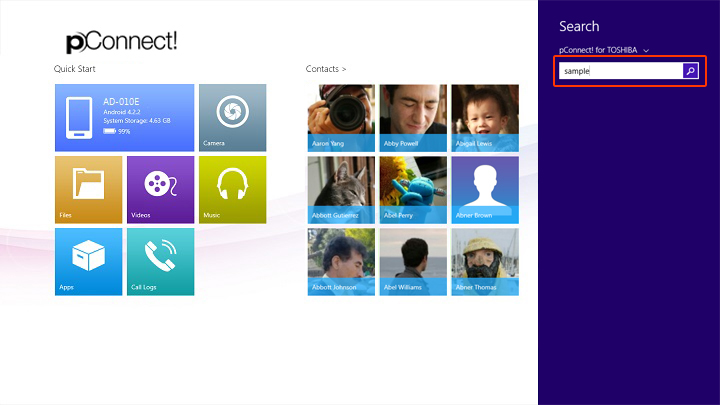
3. Enter search keyword
4. Search result will be displayed.