Move Succeed Content
Contents uploaded from recorder and downloaded from NAS DMS Web GUI all displayed on Move Succeed Content page.
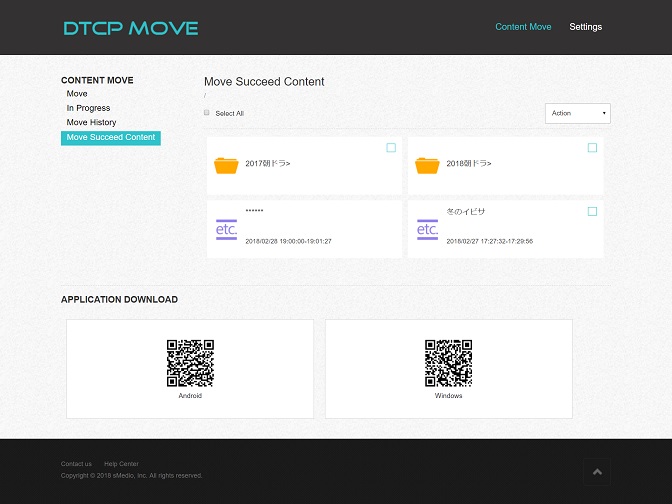
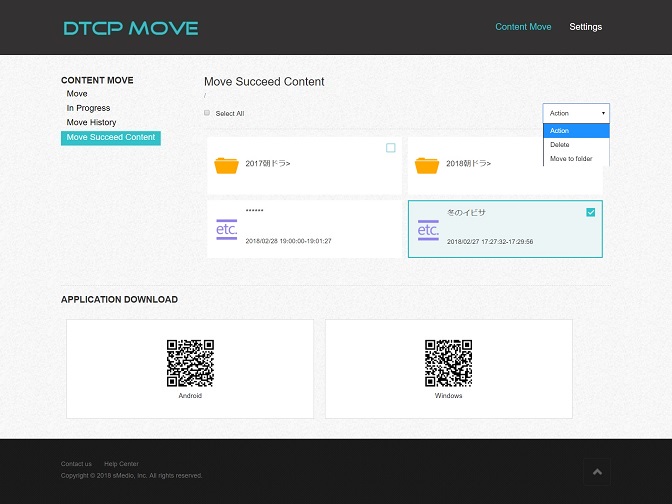
User can select contents and operate "Action" that provides "Delete" and "Move to folder" option. Content only can be move to other folder under current move destination folder.
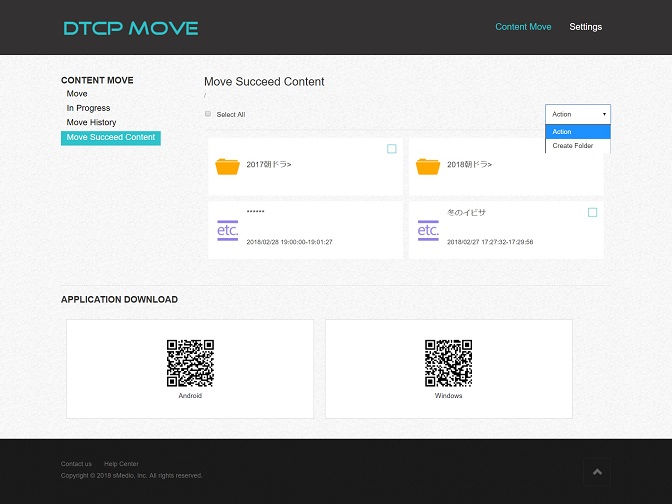
To create folder for content management, operate "Action" that provides "Create folder" option. New folder will be created under current folder.
To rename existing folder, select a folder and operate "Action" that provides "Rename" option.