Move
Move page interface:
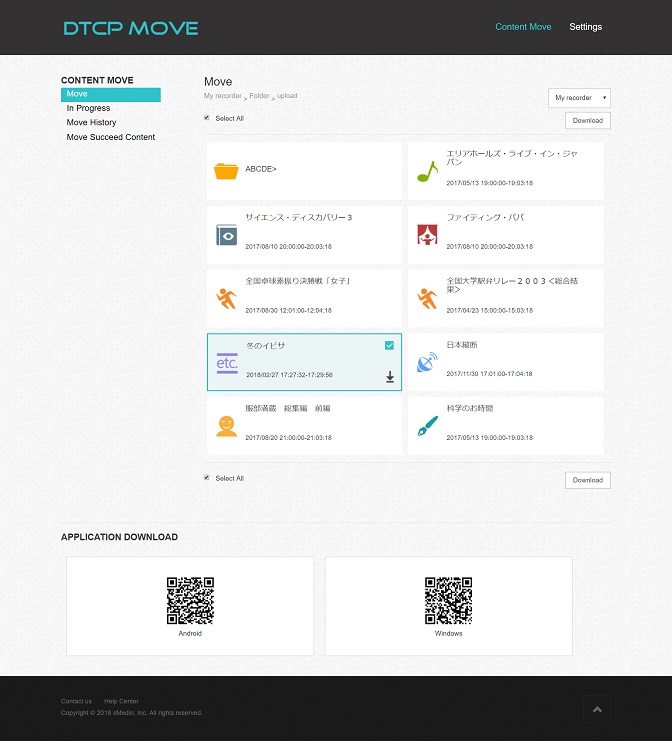
In this move page, you can specify the recorder to download content.

The path of the current browsing content displayed as following image. Each layer can be click and then jump to the corresponding directory.

Contents and folders are displayed in list view.
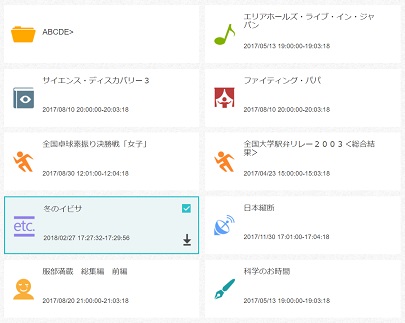
Each record TV program is displayed as following image.
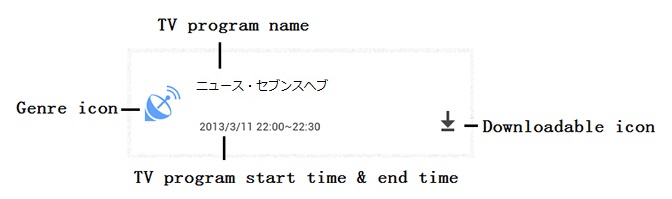
TV program information:
| Item | Description | Comment |
|---|---|---|
| Genre | TV program:Genre |
Predefined icon for genre |
| TV program information | TV program:Name | Show in 2 line at most. If filename is longer than 2 lines, it shows “…” at end. This info aligned to the top. |
| TV program:Start time & End time | Displayed in format mm:ss ~ mm:ss |
|
| Downloadable icon | Show this icon if content is downloadable. |
User can select the content to move by the right mouse button or use "select all".
After content is selected, click "Download" to start download.
Before download, it provide an option to select file in smaller file size to save HDD space.
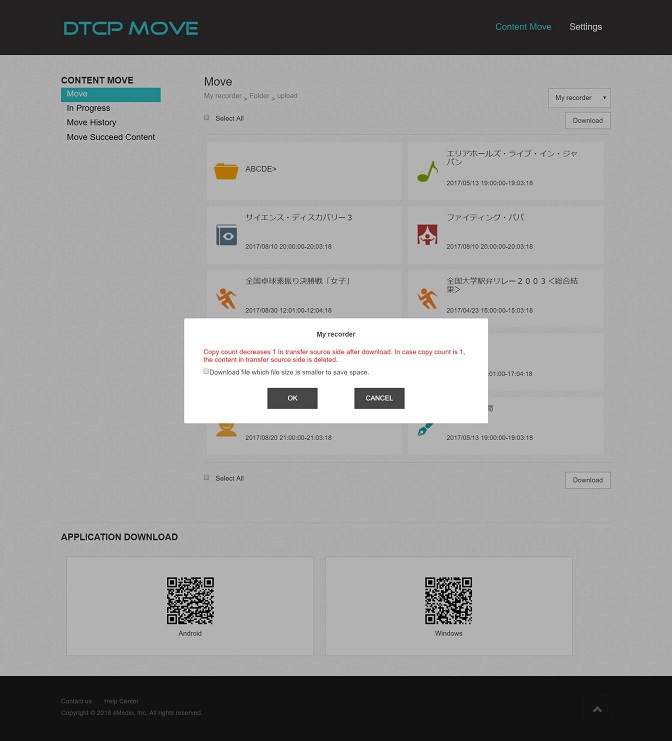
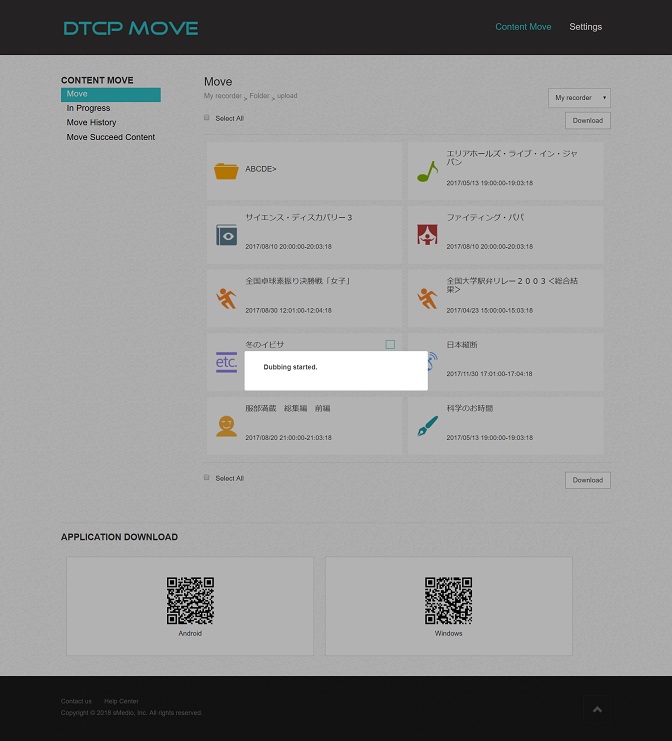
There will be a pop up message to prompt move started.
Notice:
If the application activation has not been successful, when user performs “Download” move operation, the page will be switched to the <Turn on DMS>.